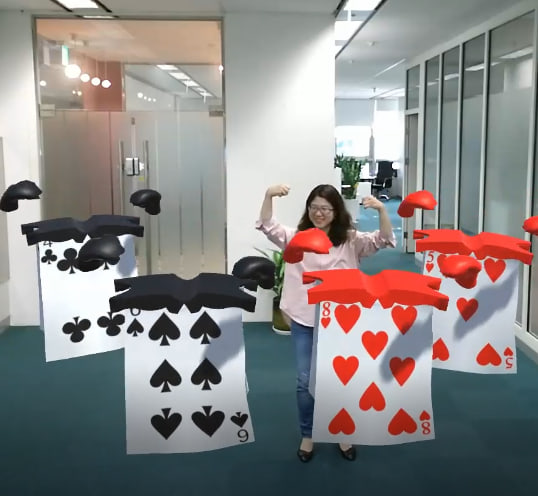
Dynamic Backgrounds
Add rain, wind, and other effects to change the scene as you play.

Bring your drawings to life in 3D.
Color a picture on paper and watch it appear on screen as a 3D object. Your creations become part of an augmented reality scene and respond as you move, turning coloring into hands-on learning and play.
Add rain, wind, and other effects to change the scene as you play.
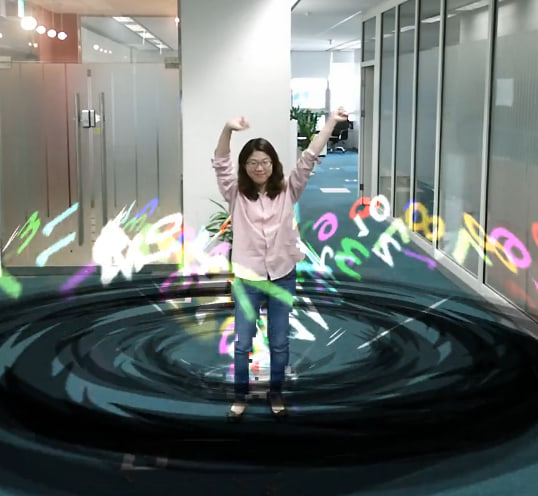
Move in front of the screen and watch the 3D models react to your movements.
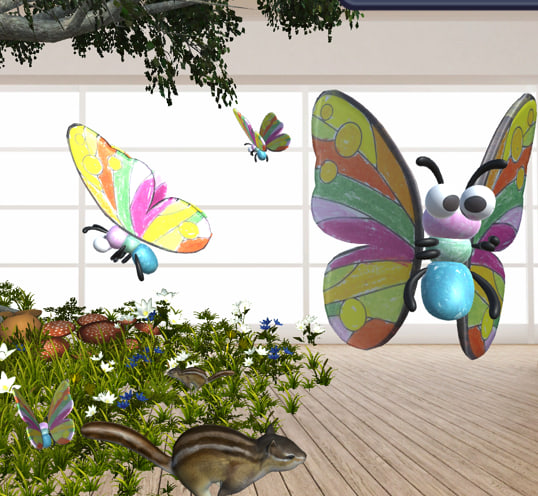
Choose an object, color it your way, and interact with your creation on screen.
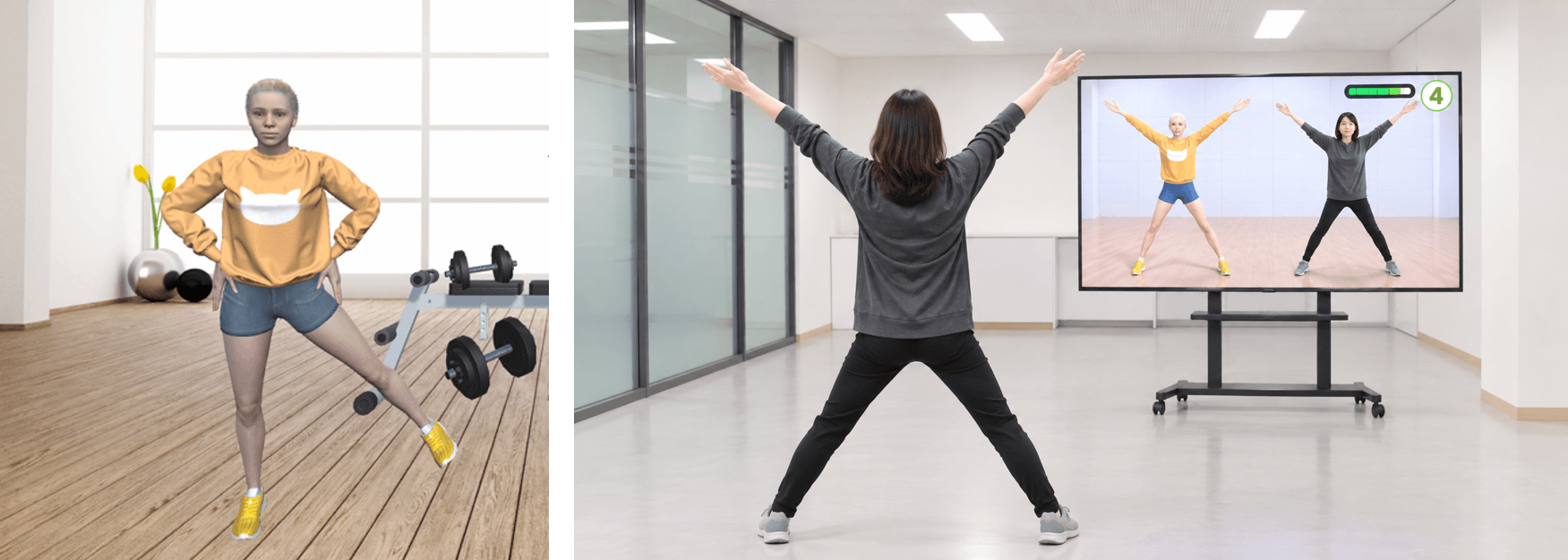
Mirror the trainer’s movements on screen. The system tracks your movements and awards points when you match the poses. Practice your balance as you try simple moves such as raising your arms or making a V sign.
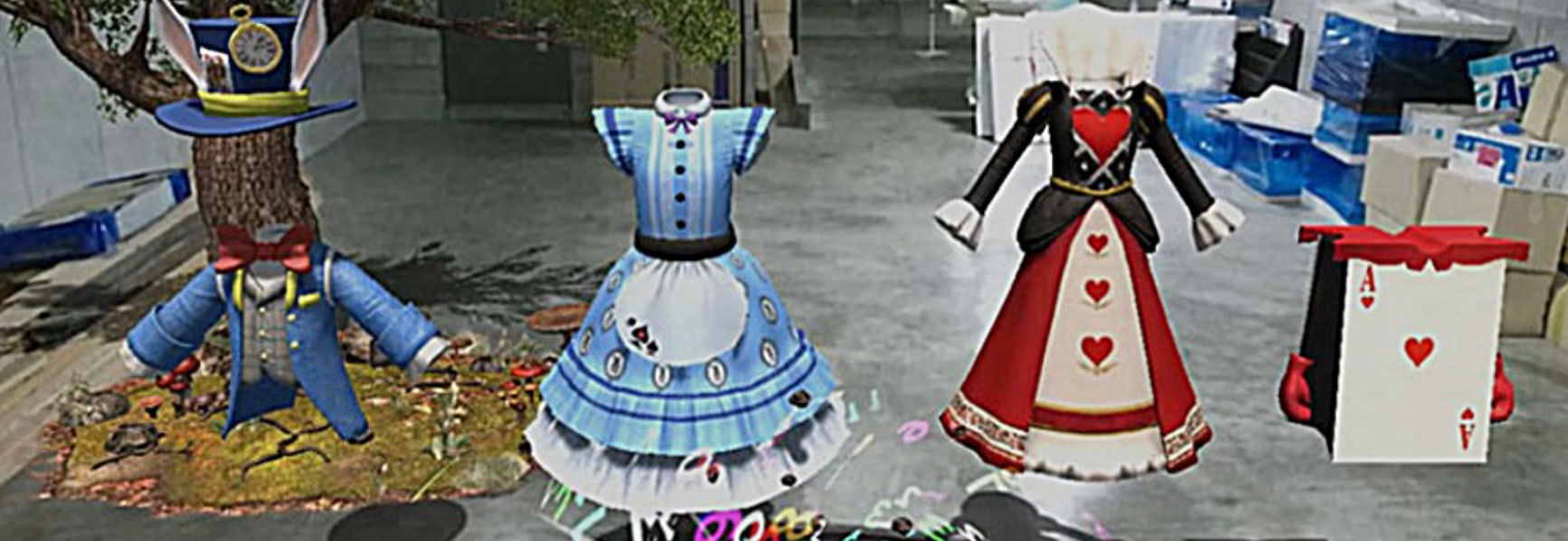
Play the lead in stories such as Alice in Wonderland and Peter Pan, or explore activities about nature and animals. Make each scene your own by choosing a background, adding effects, and coloring the objects you want to play with.
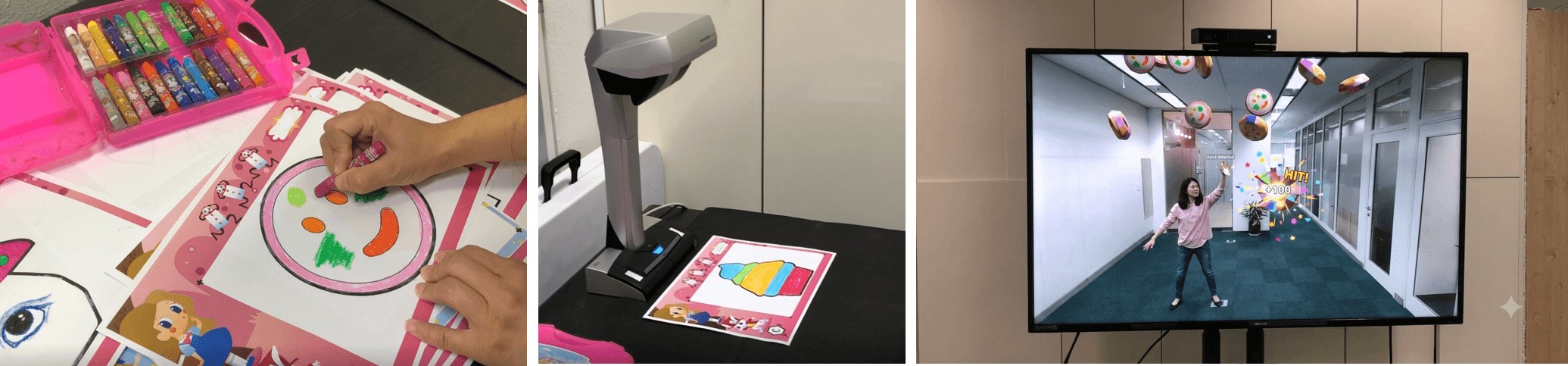
Color cookies, mushrooms, and ice cream on paper, then press the scanner button to bring your creations onto the screen. Watch them move across the screen and use your hands to pop them.